Making Event Schedules Easier to Follow for Disabled Audiences
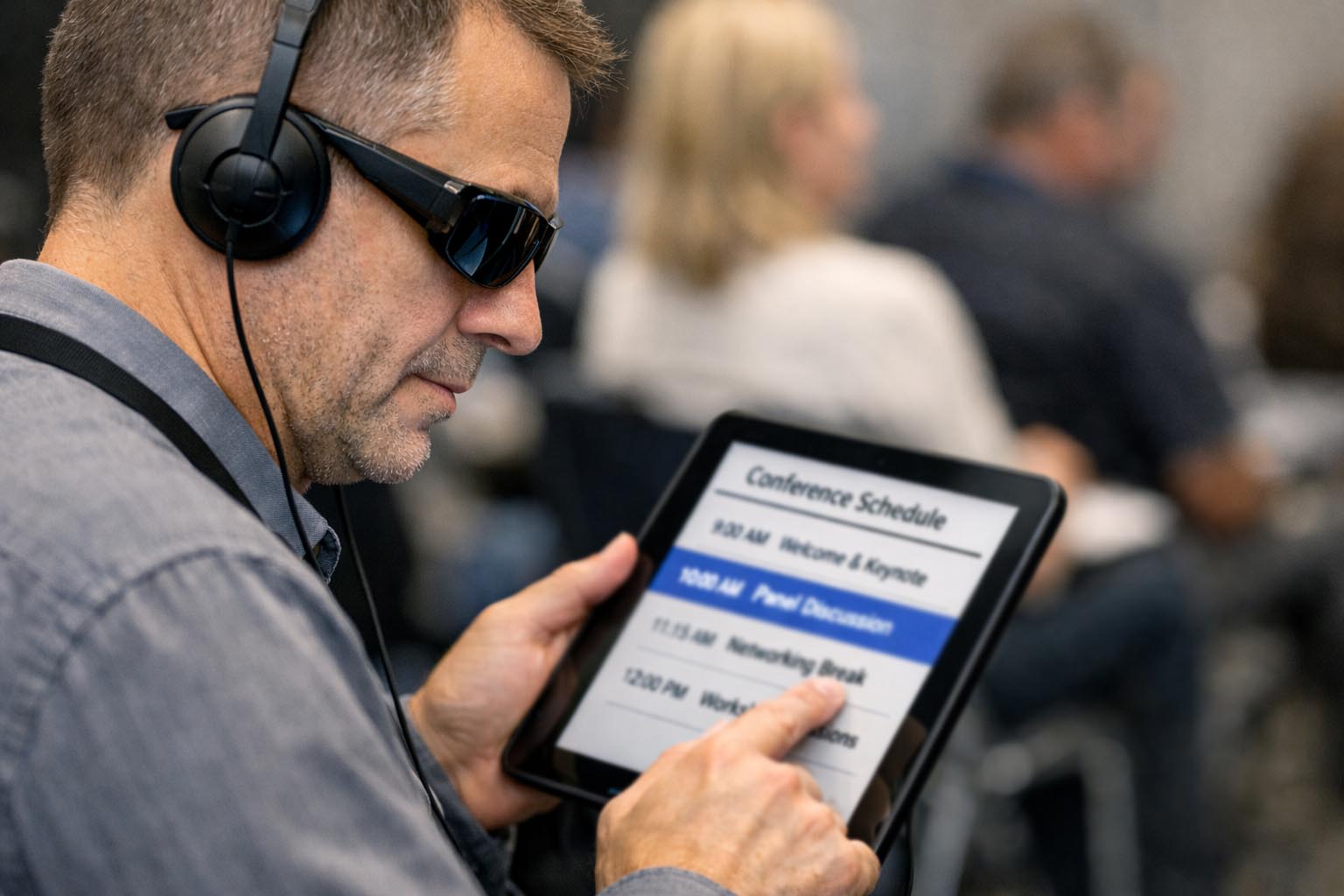
An event schedule can quietly decide who feels welcome and who feels excluded. For disabled audiences, time communication is never a neutral detail. It shapes preparation, energy use, emotional safety, and trust. When schedules are unclear, people are forced to spend extra effort interpreting information that should be simple. That effort often comes at a personal cost.
Accessibility conversations often focus on physical access, captions, or assistive devices. Time rarely receives the same attention, even though it plays a central role in participation. This article looks closely at accessibility and time together. It explains how clear timing language, thoughtful reminder patterns, and careful time zone handling can make event schedules easier to follow for disabled audiences.
Summary
- Clear time language reduces anxiety and cognitive load
- Optional reminders support autonomy and focus
- Time zone clarity enables inclusive global participation
- Respecting energy rhythms builds trust and comfort
Why time communication affects access
Time is often treated as an administrative detail, but for disabled audiences it shapes whether participation feels possible. Vague phrases like late morning or shortly after lunch leave room for interpretation. That interpretation demands cognitive effort, emotional regulation, and sometimes follow up communication. For many people, that effort becomes a barrier.
Clear schedules reduce this burden. Precise start and end times give people something concrete to plan around. Someone managing chronic pain can schedule rest without guessing. Someone with anxiety can prepare mentally without worrying about sudden changes. Someone relying on personal care support can coordinate help more easily.
Consistency matters as much as clarity. When sessions start and end when stated, participants learn that the event respects their time. Over time, this reliability builds trust. Trust is essential for disabled audiences who may already approach events cautiously due to past experiences of exclusion or unpredictability.
Supportive tools without pressure
Time support looks different for different people. Some benefit from visual representations of time passing. Others prefer subtle cues rather than constant clock checking. The key is offering tools as optional supports rather than requirements.
A free countdown timer can help participants orient themselves before a session begins. Seeing time visually can reduce stress for people who struggle with abstract time concepts. It can also help people pace breaks or transitions without feeling rushed.
When tools are framed as choices, they empower rather than overwhelm. Disabled audiences are often accustomed to systems that dictate behavior. Offering supportive tools without pressure respects autonomy and acknowledges that people know their own needs best.
Time structure and neurodivergent needs
Neurodivergent people often experience time in non linear ways. Executive function differences can make transitions difficult. Shifting attention from one task to another requires energy. When schedules are unclear, that energy is spent on orientation rather than participation.
Clear structure reduces this load. Labeling transitions, naming rest breaks, and signaling when engagement is optional helps people regulate attention and energy. These cues act as external structure, which many neurodivergent people rely on to stay grounded.
This approach connects with earlier discussions on digital time tools. The same principles apply to event scheduling. Structure should support focus, not constrain it.
Personal reminders that respect autonomy
Reminders can be helpful or harmful depending on how they are delivered. Some people rely on alerts to stay oriented. Others experience reminders as intrusive or anxiety inducing. Respecting this difference is part of accessible design.
An online alarm allows participants to create personal reminders that fit their routines. This shifts control back to the individual. It avoids flooding inboxes or phones with alerts that may not suit everyone.
Language also matters. Reminder messages should feel neutral and supportive. A calm prompt invites preparation without implying failure or urgency. This tone helps reduce stress and supports self regulation.
Scheduling with invisible disabilities in mind
Many disabilities are not immediately visible. Chronic illness, fatigue, anxiety, and sensory processing differences often shape how people experience time. Schedules that ignore these realities are unintentionally excluded.
Clear timing allows people to make informed choices about participation. Someone may attend one session but skip another to preserve energy. Someone else may join late or leave early. Clear schedules make these choices possible without embarrassment.
This perspective aligns with discussions on invisible disabilities. Access is not only about physical presence. It is about creating conditions where participation feels safe and manageable.
Numbered practices that improve clarity
Event organizers can take practical steps that immediately improve accessibility. These actions are simple but meaningful.
1. State exact start and end times for every session, including breaks and informal activities.
2. Use one consistent time format throughout the schedule to avoid confusion.
3. Write out the full time zone next to times rather than relying on abbreviations.
4. Share schedules early so people can plan care, rest, and transportation.
5. Communicate changes clearly and through predictable channels.
Designing readable schedules
Visual clarity supports cognitive access. Dense text blocks and inconsistent layouts increase strain. Clear headings, spacing, and predictable structure reduce it.
Session titles should describe content rather than relying only on room names or numbers. Context helps people decide whether a session aligns with their interests and capacity. This reduces the pressure to attend everything.
Readable schedules benefit everyone. What helps disabled audiences often improves the experience for all participants.
Using tables for quick scanning
Tables can present time information efficiently when designed with care. High contrast colors, clear labels, and consistent formatting make scanning easier.
| Session | Start | End | Access Notes |
|---|---|---|---|
| Opening Talk | 10:00 AM UTC | 10:45 AM UTC | Live captions |
| Rest Break | 10:45 AM UTC | 11:00 AM UTC | Quiet time |
| Panel | 11:00 AM UTC | 12:00 PM UTC | Recording available |
Energy, pacing, and respect
Long sessions without breaks drain energy quickly. Clear pacing protects participants from burnout. Visible pauses give permission to rest without fear of missing information.
Disabled audiences often manage fluctuating capacity. Scheduling with this reality in mind supports sustainable participation rather than endurance. This approach recognizes that engagement should not require exhaustion.
Events that respect pacing often see higher quality engagement. Focus improves when people are supported rather than pushed.
Consistency as a form of care
Predictability reduces anxiety. When schedules follow familiar patterns, participants can relax into the experience. They know what to expect and when to expect it.
If changes are unavoidable, consistency in communication becomes crucial. Using the same channels and formats for updates reduces confusion and panic.
Accessibility standards such as the W3C accessibility guidelines emphasize predictability as a core principle. Clear time communication is part of that commitment.
Making time feel welcoming
Accessible scheduling is not about perfection. It is about care, clarity, and follow through. Time is one of the most powerful ways events communicate values.
When disabled audiences can understand schedules easily, they arrive more prepared and less stressed. That readiness supports meaningful participation and connection.
Events that care about time care about people. That care shapes experiences long after the schedule ends.

- lisawalker
- Making Event Schedules Easier to Follow for Disabled Audiences 19 March 2026
- How Feet Picture Requests Target People with Disabilities Online 19 January 2026
- Guide to Disability Benefits Calculators and Assistive Technology Tools 14 January 2026
- What Learning Disabilities Are and How They Impact Education 10 July 2025
- What Disability Insurance Covers and Why It’s Important 7 July 2025